
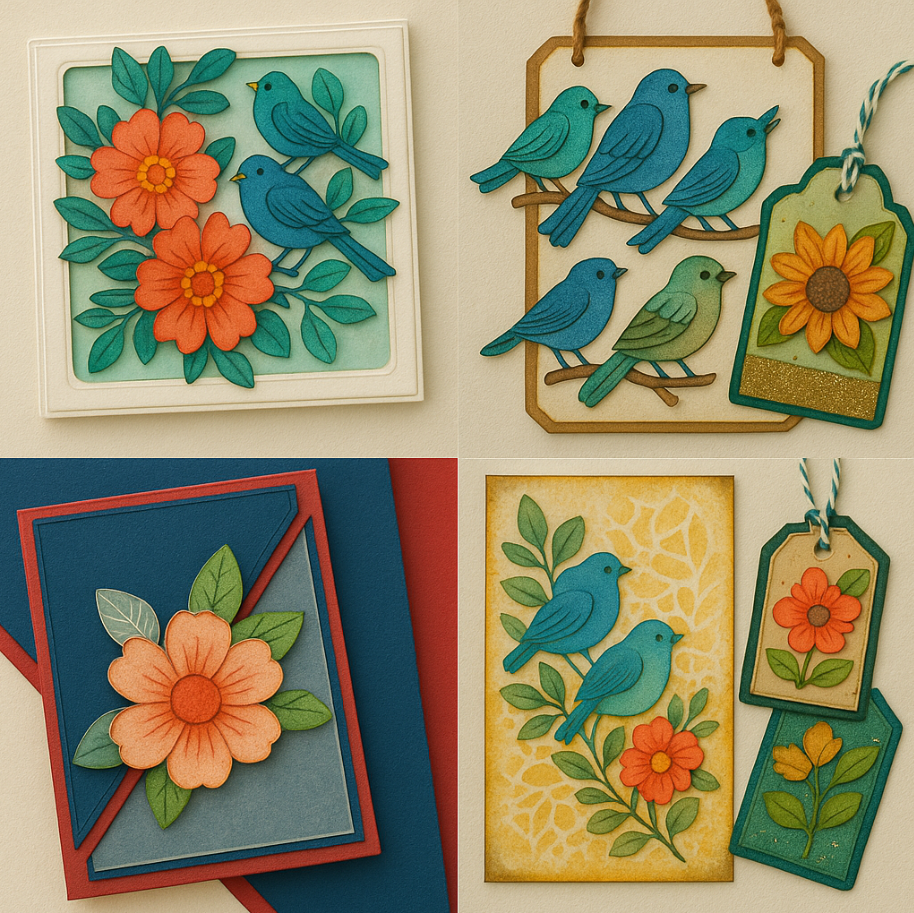
Discover Step-by-Step Layered Die Cut Projects Using Cricut for Stunning 3D Cards and Crafts
Learn how to layer die cuts like a pro using your Cricut machine! This easy guide includes step-by-step instructions, frame layering tips, design space tricks, and creative project ideas that add depth and wow to your papercrafts.
✨ Introduction:
Layering die cuts is one of the most satisfying ways to bring dimension and life to your paper crafts. Whether you’re making greeting cards, journal covers, scrapbook layouts, or 3D wall art, the simple trick of adding depth through layering can transform a flat design into a dynamic masterpiece. In this step-by-step tutorial, you’ll learn how to layer like a pro using Cricut Design Space and a few clever tricks with materials, adhesives, and digital design.
What You’ll Need to Layer Die Cuts Like a Pro
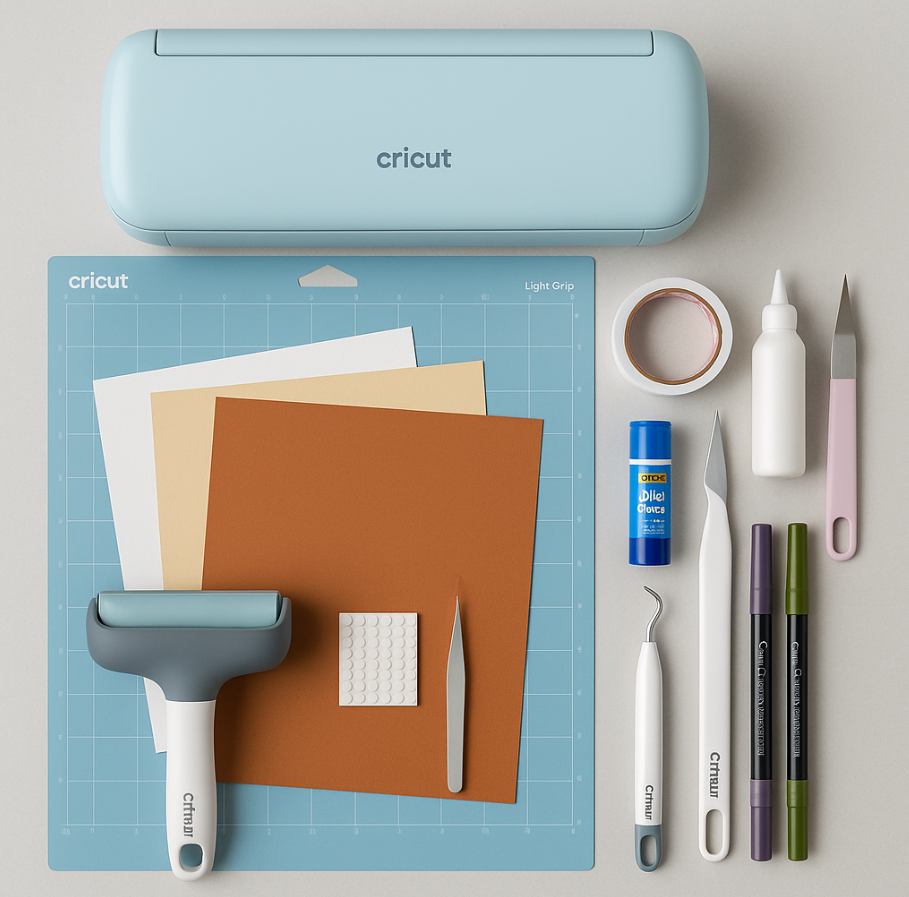
Before you start layering, gather these essential tools and materials:
✂️ Tools & Machines
- Cricut cutting machine (Explore, Maker, or Joy)
- Weeding tools and precision tweezers
- Brayer or scraper (to secure material on the mat)
- Scissors or craft knife (for trimming or manual cutting)
📦 Materials
- Cardstock (65–110 lb for best layering structure)
- Foam dots or double-sided adhesive tape (for dimension)
- Glue stick or tacky glue (for flat layers)
- Vellum, acetate, or specialty papers (optional for added texture)
- Printable PDFs or SVGs (from Design Space or your personal library)
- Optional: Crafters foam for cutting thicker embellishments
🖌️ Finishing Supplies
- Brush pens, distress crayons, or water-based markers
- Water brush or sponge (for blending color)
- Rhinestones, glitter, embossing powder, or ink for edge detailing
🎁 Bonus Tip: Download Asset #528 from the Bette’s Makes Resource Library for ready-to-use SVGs that match this tutorial!
🛠️ Step-by-Step Guide:
Step 1: Gather Your Materials
- Cricut Machine (Maker, Explore, or Joy)
- Cardstock (65–110 lb)
- LightGrip or StandardGrip Mat
- Tweezers, weeding tools
- Foam dots, glue, double-sided tape
- Optional: Distress crayons, brush pens, craft knife
- Design Space asset (Bette’s Resource Library Asset #528)
✅ Tip: You can use physical dies or manual cutting tools too — layering works no matter how you cut!
Step 2: Import or Upload SVGs to Design Space
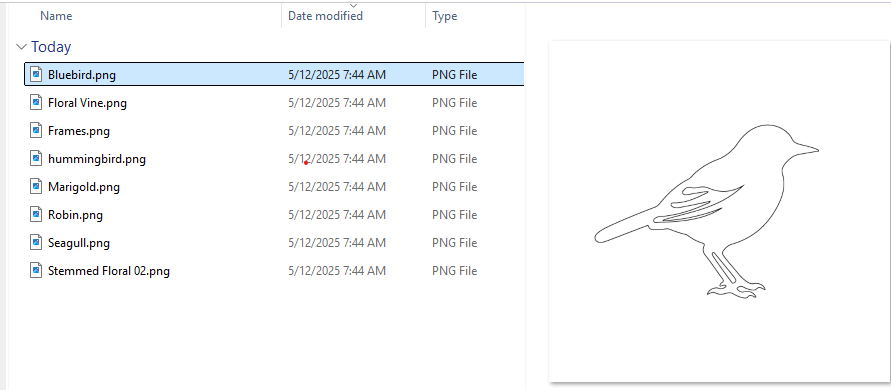
- Use pre-made layered SVGs (like mandalas, florals, birds, and frames).
- Upload SVGs from your library or digital kits.
- Resize elements to fit your card base (e.g., 5.25" x 6.25").
✂️ Explanation: Keeping sizes consistent helps you plan layering. Look for elements with bold outlines for maximum effect.
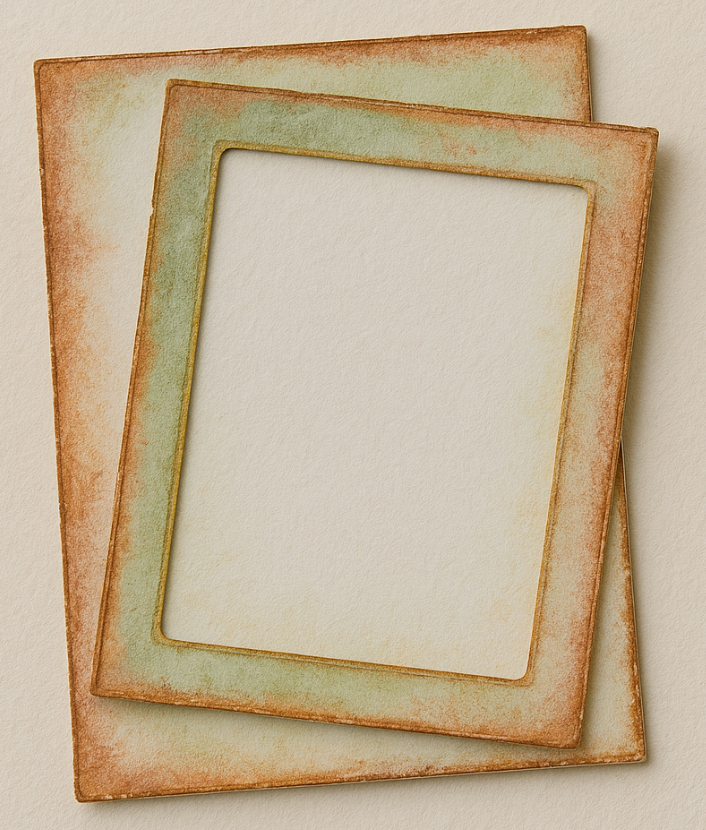
Step 3: Create Layered Frames
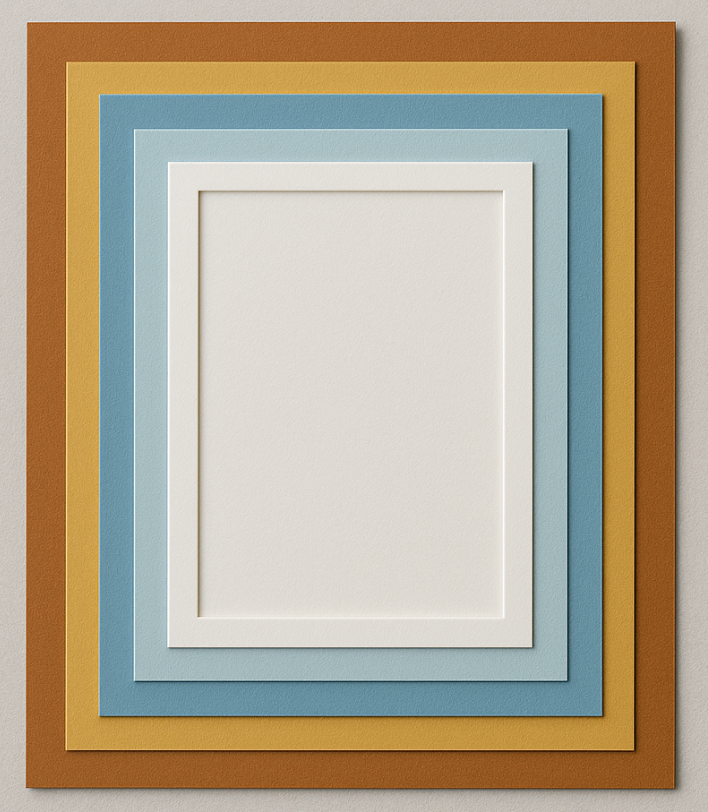
- Duplicate a shape, reduce its size, and use the Slice tool to create a frame.
- Stack multiple frames slightly offset for a shadow-box effect.
- Color each layer differently or ink the edges for added depth.
🎨 Why This Works: Using offset layers builds a visual hierarchy that adds sophistication to your designs.
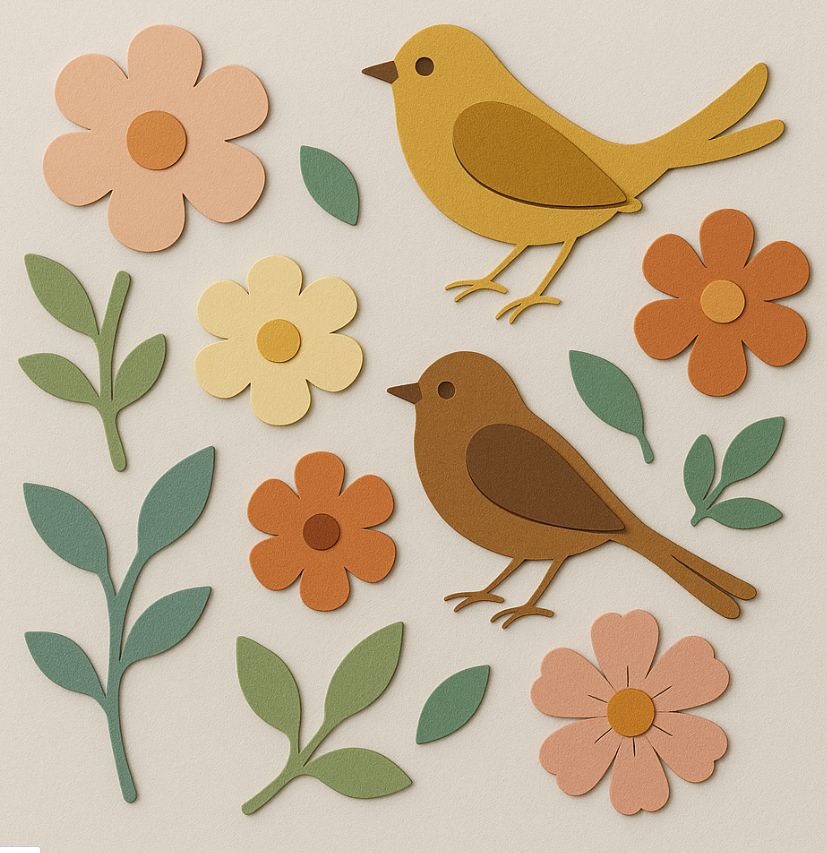
Step 4: Prepare Focal Elements (Birds, Florals, Sentiments)
- Select elements like flowers and birds from your uploaded SVGs.
- Use Contour to remove small cutouts if they’re too detailed for your paper type.
- Make multiple copies (3–5) of focal elements for layering.
🧠 Design Tip: Keep base layers solid and detailed layers on top for the best 3D look.
Step 5: Color and Distress Your Layers
- Use brush pens, distress crayons, or watercolor to tint layers.
- Blend around edges with water brushes or sponge applicators.
💡 Extra Dimension: Mixed media adds not only depth but also texture. Try metallics, pastels, or ombré blends.
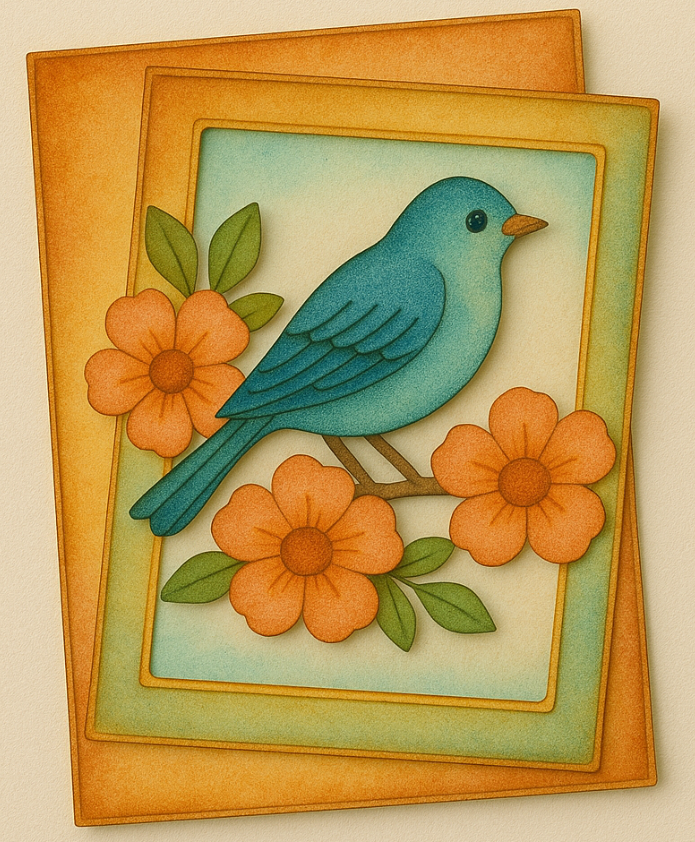
Step 6: Assemble Your Layers
- Start with your card base and attach the first frame.
- Add additional frames with glue or foam tape.
- Attach flowers and birds by stacking layers with adhesive only at the center for a natural curl effect.
- Use foam pads to lift certain elements like birds or greeting tags.
🧷 Pro Tip: Layering different colors of the same shape creates a stunning sculpted appearance!
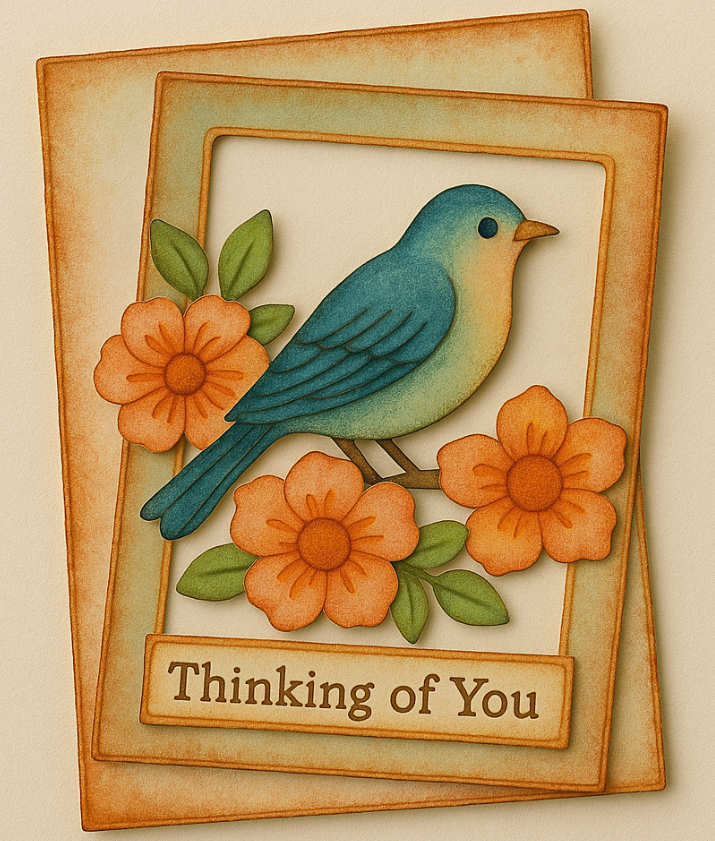
Step 7: Add a Greeting
- Use a stamped or handwritten sentiment.
- For extra flair, create a layered greeting banner or ink a tag with your sentiment using distress crayons.
💌 Placement Idea: Place the greeting to “anchor” your visual composition and add balance.
💡 Final Thoughts: Your Shapes, Your Rules
Layering die cuts is more than just stacking paper—it’s a way to elevate your crafting. You can play with dimension, color, and placement to create truly magical designs. Whether you follow these exact steps or improvise with your own flair, layering opens up endless possibilities. So go ahead—make it pop, quite literally!
🎨 More Projects Using Layered Die Cut Techniques:
🌸 3D Floral Shadowbox – Use florals and leaf SVGs layered in a shadowbox frame.
🐦 Bird-Themed Wall Hanging – Combine multiple birds in various sizes layered on branches.
🎁 Gift Tag Set – Layer mini frames and add dimensional embellishments for boutique-style tags.
💌 Layered Envelope Closure – Use floral die cuts layered with acetate for a luxe look.
🎨 Art Journal Page – Mix layered die cuts with stencils and paint for a mixed media layout.
Try mixing vellum or glitter cardstock into your layers for even more visual interest!
#cricutlayering, #diecutprojects, #cricutpapercraft, #3dpapercrafts, #craftingwithcricut, #layeredcards, #handmadecards, #cardmakingideas, #papercrafttutorial, #diecuttechniques
You can grab an Access membership at anytime to use this feature.

