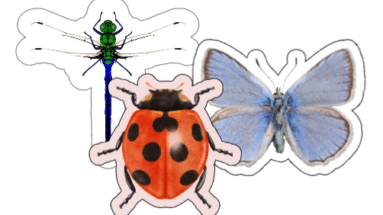
Turn Your Creativity into Stickers
A Heartfelt Guide to Bringing Your Designs to Life Creating custom stickers is an exciting way to add a personal touch to your projects. Whether you want individual stickers or sticker
A Heartfelt Guide to Bringing Your Designs to Life Creating custom stickers is an exciting way to add a personal touch to your projects. Whether you want individual stickers or sticker
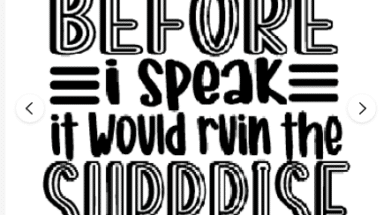
The Ultimate Guide to Finding, Customizing, and Perfecting Phrases in Cricut Design Space When crafting with your Cricut machine, adding phrases to your designs can take your projects to the next
Unlocking Advanced Shapes in Cricut Design Space: A Step-by-Step Guide Cricut Design Space provides a variety of basic shapes, but did you know there’s a way to unlock even more design
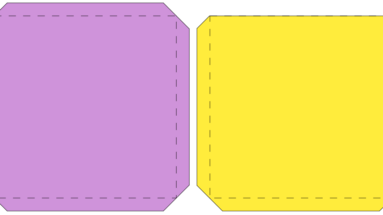
Mastering Cricut Tabs: A Simple Trick for Seamless Assembly Have you ever needed to extend the size of a Cricut project but weren’t sure how to join the pieces seamlessly? Whether
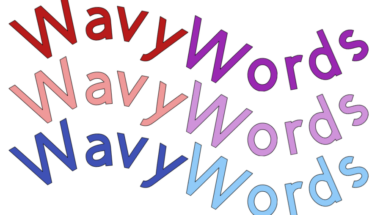
How to Create Stunning Curved and Wavy Text If you’ve been looking to add a fun, wavy effect to your text designs but don’t have Cricut Access to use the Warp
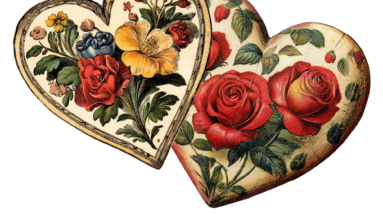
Have you used the Sticker Tool? This tool was designed to be used with a Cricut Access membership. So if you do not have access to it, you can always create
Hi Reader, Sometimes we all need to learn something new. We are now reviving our Tuesday Tips newsletter. Each week you will get a new tip for Cricut Crafting so you can use it right away. These tips will also be posted on our blog. Today's Tip: Have you ever wondered how to use Subtract and make sure what you have created is just one layer? Here is what you can do: Create your shapes on the Canvas Make sure the back layer is larger than the others as this is the layer everything will be...
Hi Reader, Sometimes we all need to learn something new. We are now reviving our Tuesday Tips newsletter. Each week you will get a new tip for Cricut Crafting so you can use it right away. These tips will also be posted on our blog. Today's Tip: Have you ever wondered how to use Subtract and make sure what you have created is just one layer? Here is what you can do: Create your shapes on the Canvas Make sure the back layer is larger than the others as this is the layer everything will be...
Hi Reader, Sometimes we all need to learn something new. We are now reviving our Tuesday Tips newsletter. Each week you will get a new tip for Cricut Crafting so you can use it right away. These tips will also be posted on our blog. Today's Tip: Have you ever wondered how to use Subtract and make sure what you have created is just one layer? Here is what you can do: Create your shapes on the Canvas Make sure the back layer is larger than the others as this is the layer everything will be...